FIELD
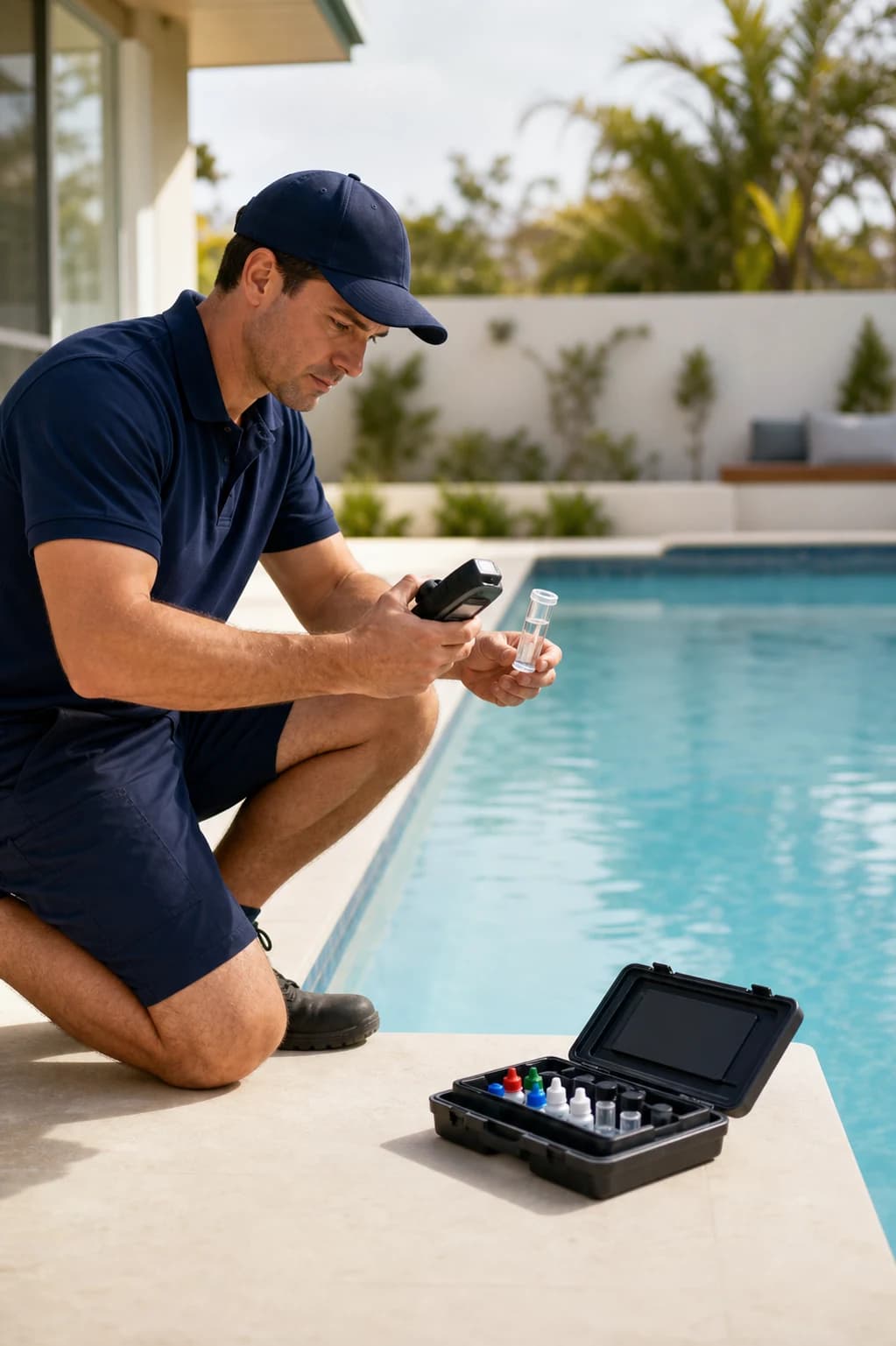
Water test
pH7.4
7.2Ideal range7.6
Chlor connects scheduling, water testing, customer records and billing for Australian pool care businesses.
Smarter route scheduling
Water testing & LSI
Billing & invoicing
Cancel future renewals anytime
No credit card required
Private beta for Australian pool businesses.
Guided beta onboarding
Field work, admin and customers stay connected from the first visit to final payment.
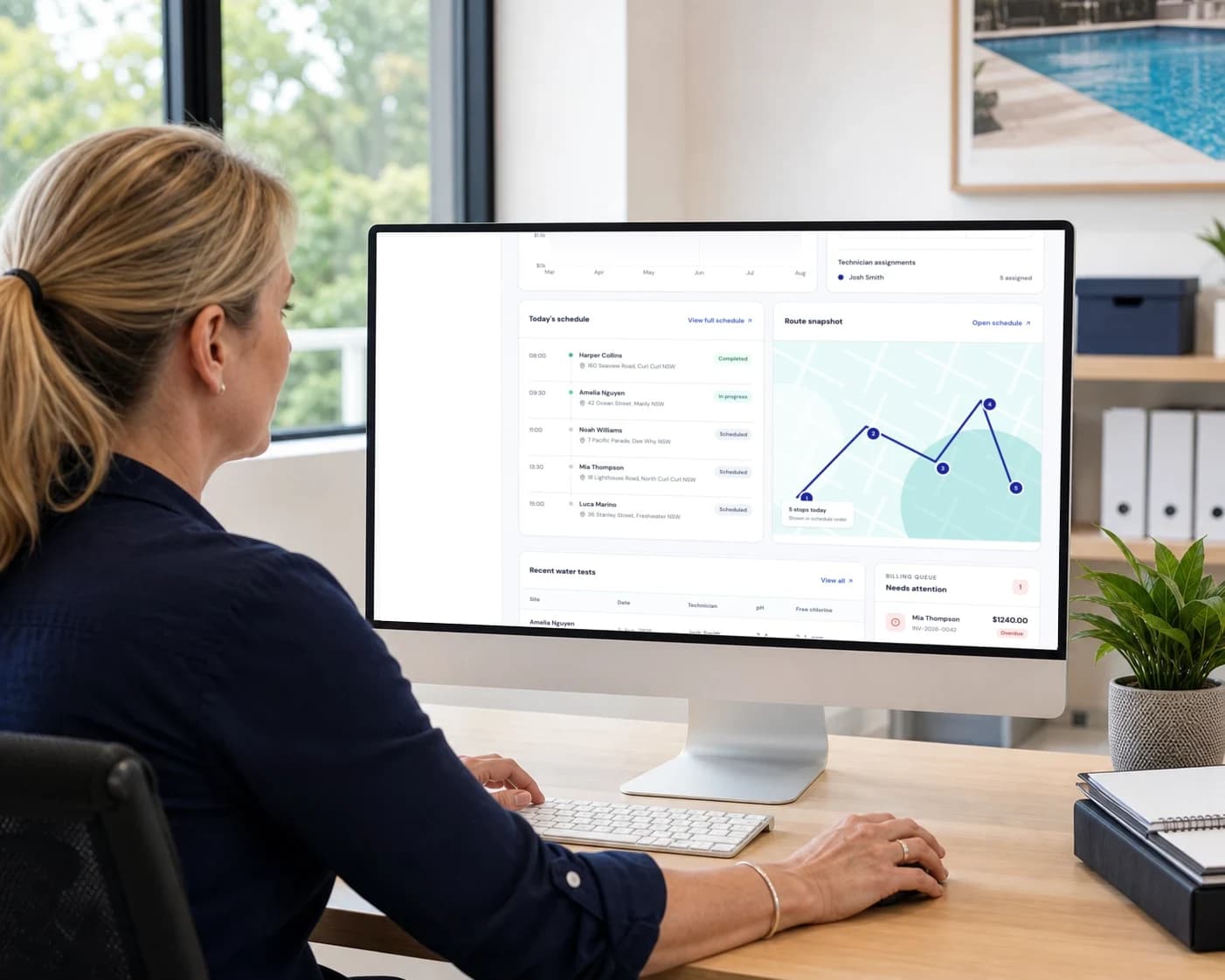

Plan the work, complete the visit, keep customers informed and get paid. Chlor carries the same record through every step.
Build recurring visits on a drag-and-drop calendar, keep the team organised, and order nearby stops into a practical day.
Record water readings, calculate LSI and import SpinTouch results, then complete the checklist, notes and work photos at the pool.
Keep contact details, pool history, equipment, serial numbers, install and warranty dates, and every completed visit on one record.
Turn completed visits into GST-ready invoices, carry recorded chemical costs across automatically, batch the route, and accept Stripe payments without a Chlor percentage fee.
Send clear visual water reports and email updates. Give customers a portal for service history, reports, invoices and online payment.
Track chemical spend and trends by pool and month, review technician performance, and spot customers or routes that need attention.
ALSO BUILT IN
THE POOL RECORD
Readings, work completed, equipment, photos, and billable costs stay together from the first visit onward.
CUSTOMER RECORD
Manly NSW · Monthly service
24/05/2026 · 08:42
Readings in range
Zodiac Hydroxinator
Warranty date visible · 30/09/2026
Service
$180.00
Recorded chemicals
$15.75
Invoice total · incl. GST
$215.33
Unlimited
Both plans include unlimited pools. We charge for team capability, not each pool you service.
0%
Chlor never takes a cut of customer payments. Stripe processing rates still apply.
10%
Invoice totals and line items use Australian GST rules consistently.
Yes. Chlor supports SpinTouch CSV import so you can bring existing water-test data into the pool record.
No. Both Chlor plans include unlimited pools. Pricing is based on the team capability you need, not route size.
Customer CSV import is on the roadmap. For now, customers can be added manually, or through API access included with the Team plan.
Customers pay a Chlor invoice through Stripe. Chlor charges no percentage fee; you pay Stripe’s standard processing rates.